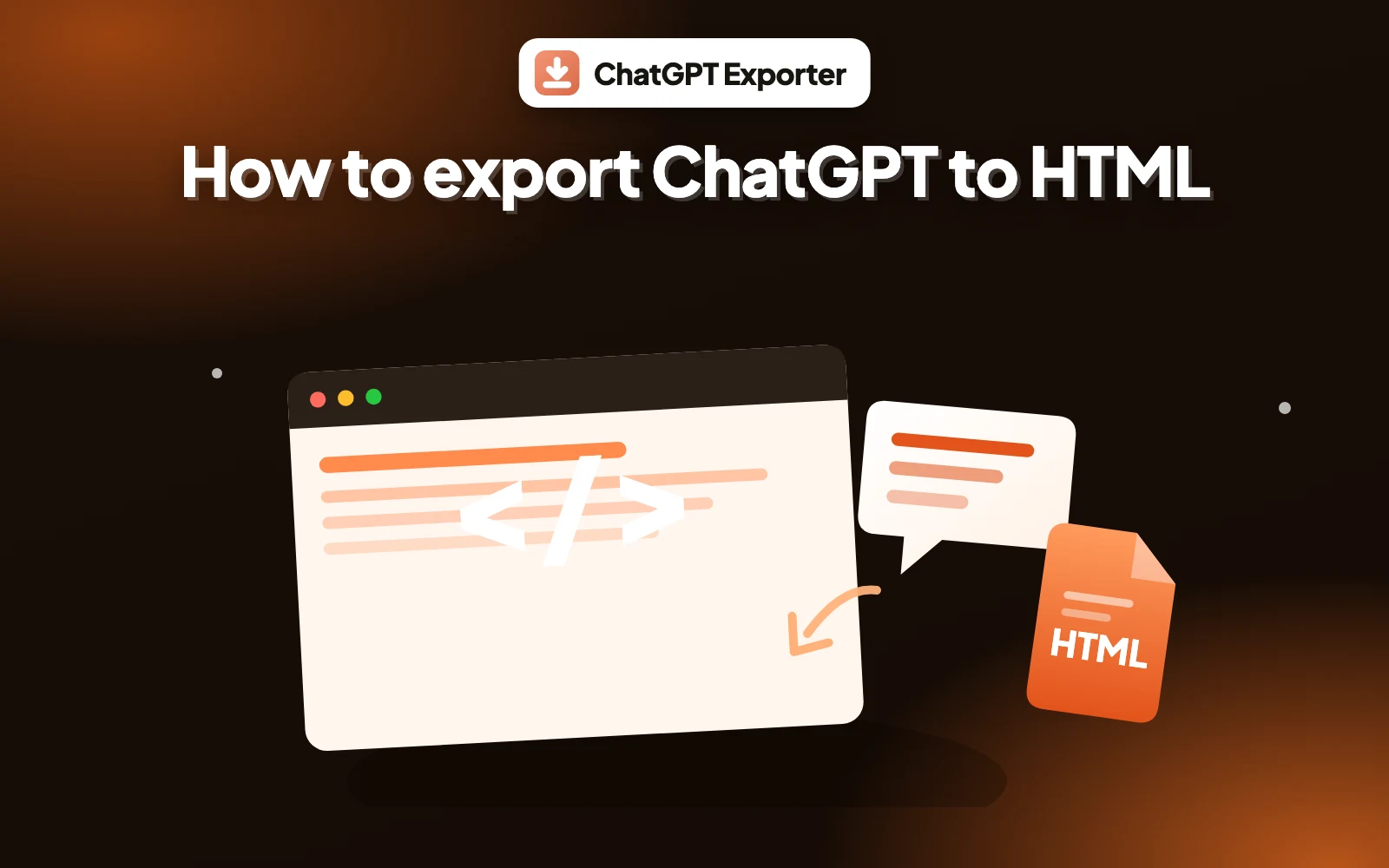
Save a ChatGPT conversation as a single HTML file you can open in any browser, archive or host yourself.
1. One file, opens anywhere
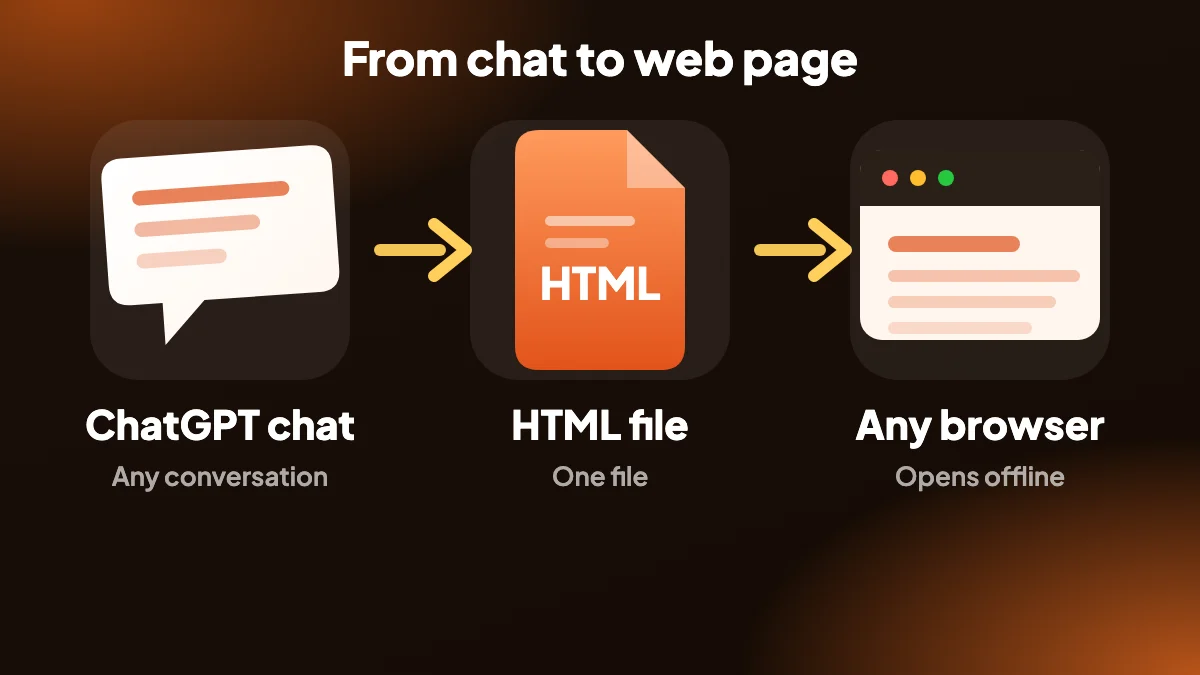
An HTML export packs the whole conversation into a single file, with images embedded. There is nothing else to keep track of: email it, store it, or put it on your own web space.
It looks like a readable web page, so people can view it without any special software.
2. Why choose HTML
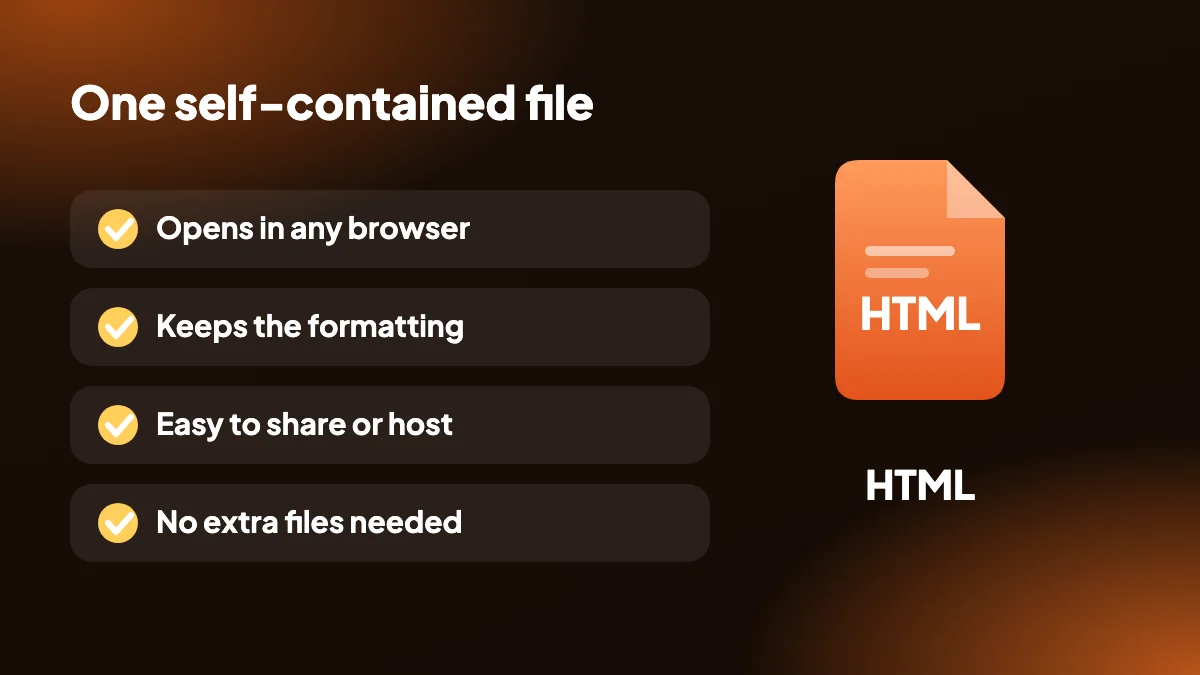
- Self-contained: Everything lives in one file, with images embedded.
- Readable anywhere: Any browser opens it, on any device, with no extra app.
- Good for archives: Keep a faithful, readable record of an important chat.
- Choose your messages: Export the whole conversation or a selection.
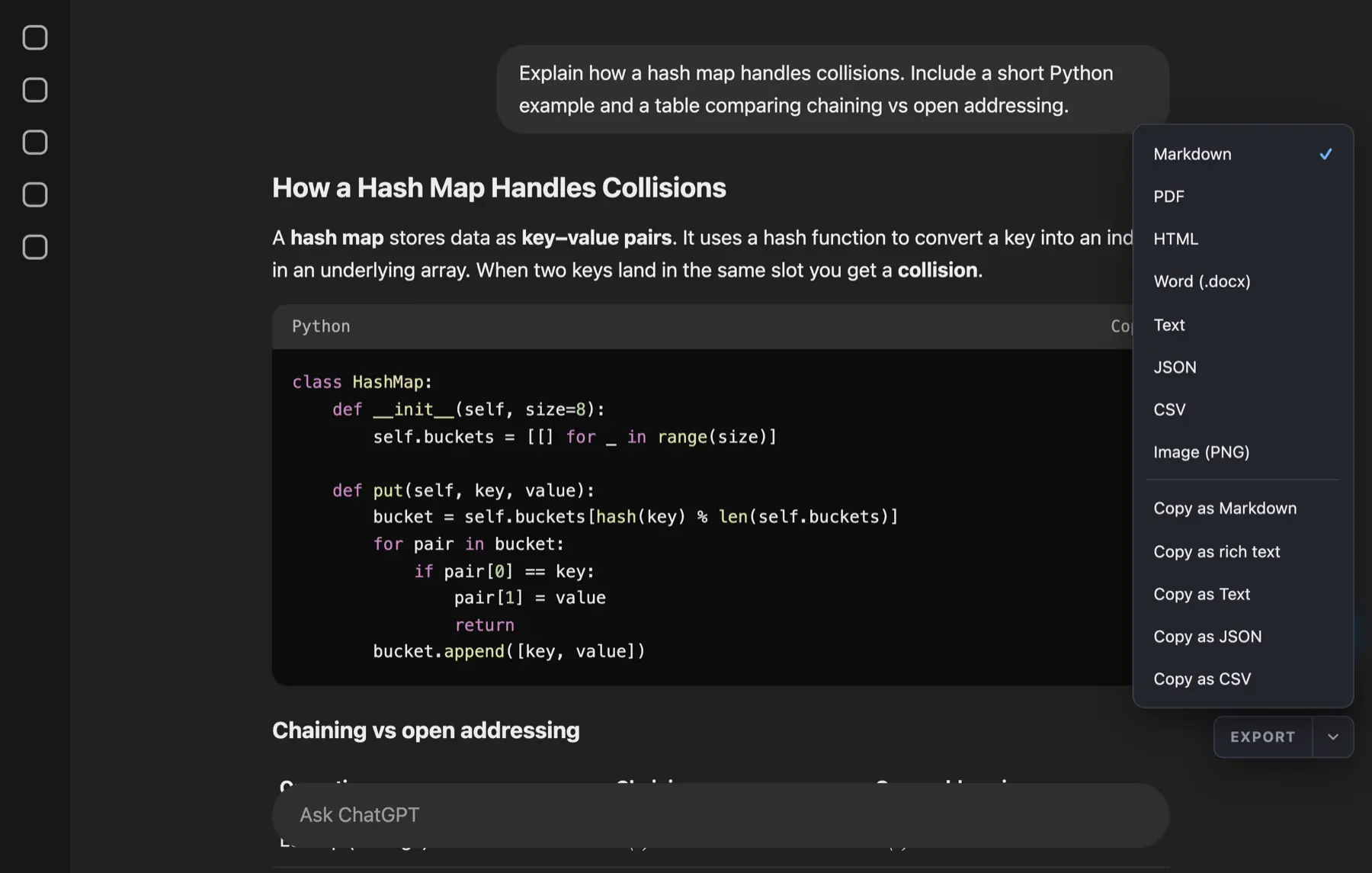
3. How to export ChatGPT to HTML, step by step
Open the chat
Go to the conversation on chatgpt.com and optionally use SELECT.
Choose HTML
Pick HTML from the format list in the side panel or the EXPORT menu.
Open the file
Double-click the downloaded file to read it in your browser.
4. A note about maths
Images are embedded in the file, but equations are rendered with KaTeX loaded online. If you open a chat with maths while offline, the equations may show as plain LaTeX. The PDF export has no such dependency.
5. Why export a ChatGPT conversation to HTML?
HTML is the format of the web, so an exported chat opens in any browser on any device with nothing to install. It reads like a normal web page, which makes it a good choice for archives, for sending a conversation to someone and for publishing on your own space.
Unlike a screenshot, the text stays selectable and searchable. Unlike a PDF, the layout flows to fit the screen, so it reads well on both a laptop and a phone.
6. One self-contained ChatGPT to HTML file
The export packs the whole conversation into a single file, with images embedded, so there are no folders of assets to keep track of. Email it, store it in your notes or drop it on a web server and it just works.
Choose the whole chat or a selection. Code blocks, tables, lists and links are preserved, and the result is a faithful record of what was said. Try it on any chat with ChatGPT Exporter.
7. HTML compared with PDF and Markdown
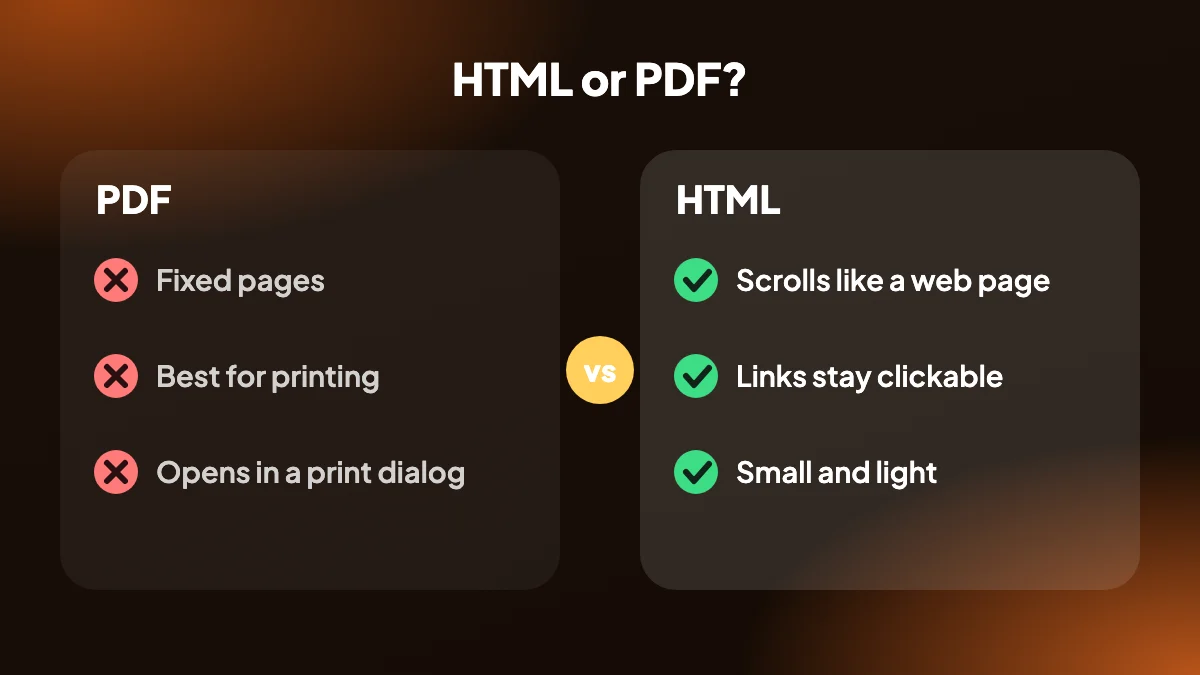
Pick HTML when the file will be read on screen. Pick PDF when you need fixed pages for printing or formal sharing, and Markdown when you want plain text you can edit and keep in version control.
One caveat applies to maths. Equations are rendered with KaTeX loaded online, so a chat with equations opened offline may show them as plain LaTeX. PDF has no such dependency. The format comparison lists every option.
8. Opening, reading and moving the file
An exported chat is a normal .html file, so you open it the way you open any web page: double-click, or drag it into a browser window. It will show in your default browser, and because it is a single file you can copy it to a USB stick, a shared drive or an email attachment without worrying about what else needs to go with it.
On a phone, share the file to yourself and open it from the Files app or your email. Most mobile browsers render it fine, and the page reflows to the screen, which is the one real advantage over a PDF for reading on a small display.
9. Good uses for a self-contained web page
- A readable archive. Months from now, you can open a double-clicked file and read the chat exactly as it was, with no software to install.
- Sending a conversation to someone who just needs to read it. It looks like a web page, so there is nothing to explain.
- Documenting a decision. Keep the HTML next to the project files as a record of why something was built a certain way.
- Publishing a transcript on your own site. An export is a starting point you can edit before you upload it.
- Printing later. Open the file in a browser and print from there if you need paper after all.
10. Before you publish an exported chat
Putting a transcript on a website is easy, which is exactly why it deserves a moment of care. Read the whole conversation first. People paste names, email addresses, internal links and sometimes keys into prompts without thinking, and they are all in the file.
If you do publish it, say it was generated with ChatGPT, so readers know what they are looking at. If you do not want search engines to list the page, add a noindex robots tag to the head of the file before uploading it. And remember an answer can be out of date or simply wrong, so check the claims you are putting your name beside.
11. HTML or something else?
Choose HTML when the reader will look at it on a screen and you want one file with no dependencies. Choose PDF when the page layout matters or when you expect it to be printed. Choose Markdown when the content is going into a notes app, and Word when other people will edit it. The format comparison goes through all eight side by side.
Frequently asked questions
How do I export a ChatGPT conversation to HTML?
Open the chat on chatgpt.com and choose HTML from the EXPORT menu or the SELECT panel. A single .html file downloads to your computer. The ChatGPT export extension page has the install steps.
Can I edit the HTML file?
Yes, it is an ordinary HTML file. For easy editing without code, Word or Markdown is usually more convenient.
Do images stay in the file?
Yes. Images are embedded so the file stays self-contained.
How is this different from PDF?
HTML is a flowing web page that adapts to the screen, while PDF has fixed pages. Choose HTML for reading on screen and PDF for printing or sharing fixed layouts.
Will it work offline?
Yes for text and images. Equations rely on KaTeX loaded online, so they may show as plain LaTeX when offline.
Can I export only part of a chat to HTML?
Yes. Use SELECT to choose the messages you want first.
Can I host the file on my own website?
Yes. It is a normal self-contained HTML file, so you can upload it anywhere that serves web pages.
Is my chat uploaded when I export?
No. The file is built in your browser and saved locally.
Can I email an exported HTML file?
Yes. It is a single file with images embedded, so it works as an attachment. Some mail systems block .html files, in which case a PDF is safer.
Will the HTML file work offline?
Yes for text, code and images. Equations are drawn with KaTeX loaded online, so they may show as plain LaTeX without a connection.
How do I stop search engines indexing an exported chat I upload?
Add a robots meta tag with noindex to the file's head section, or keep the page behind a login. A noindex tag asks search engines not to list the page.