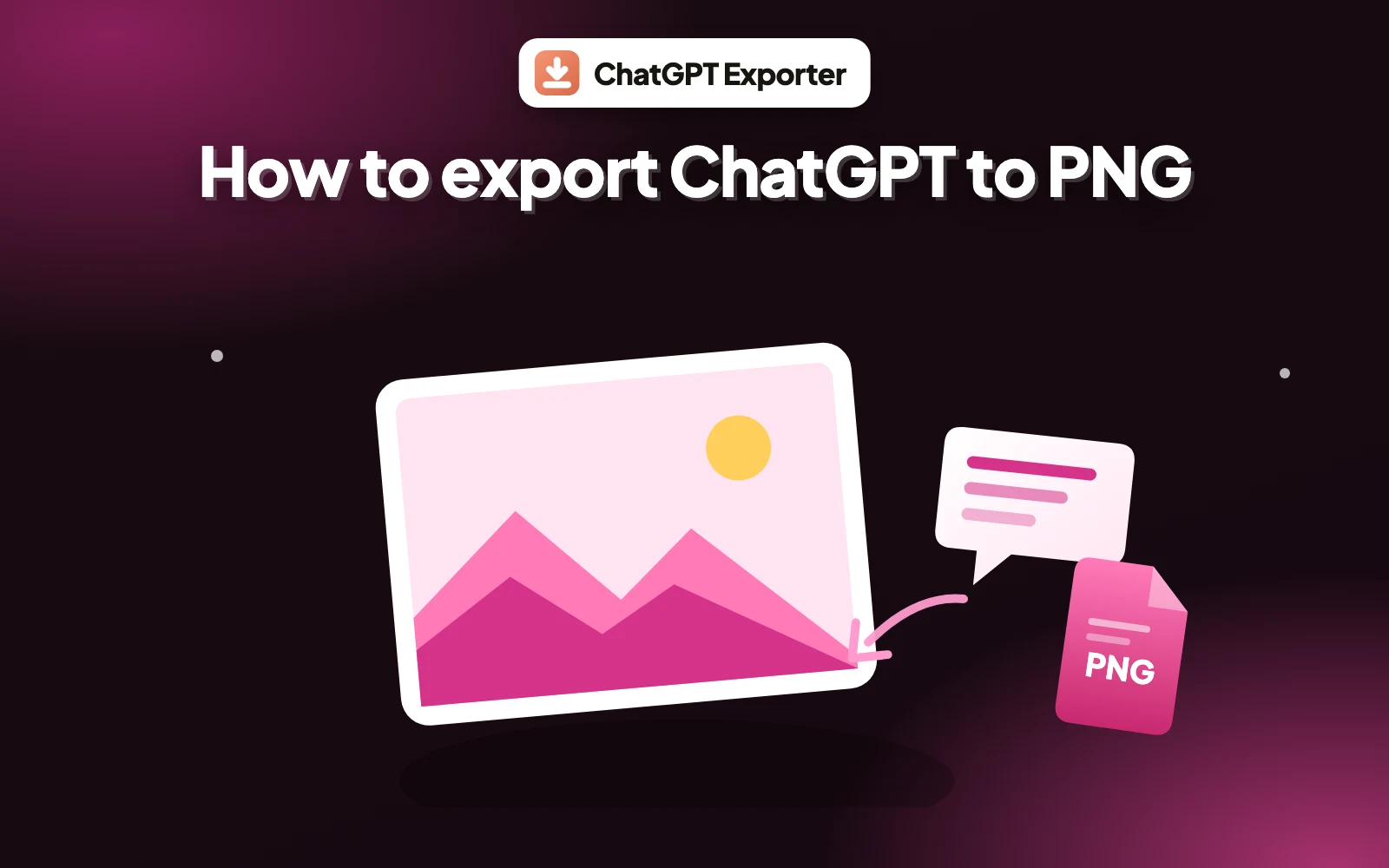
Turn a ChatGPT conversation into an image you can drop into a slide, a post or a message. Long chats are split into a ZIP.
1. When an image is the right format
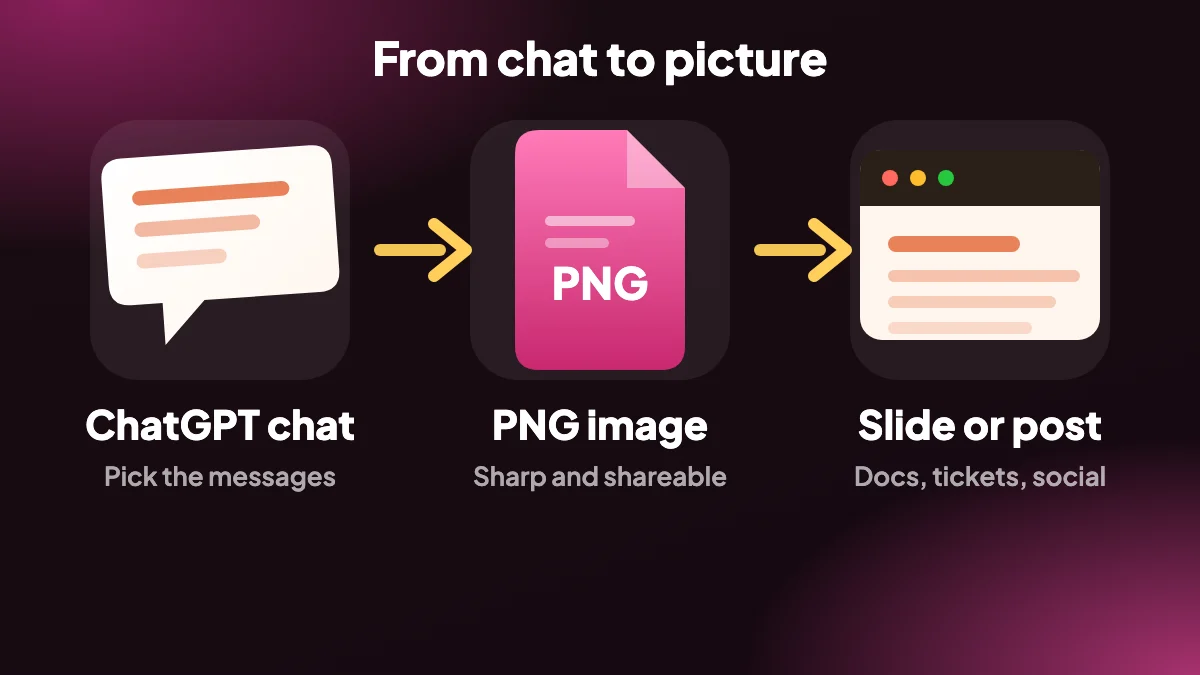
Sometimes you want to show a conversation rather than hand over a file: in a presentation, a bug report, a social post or a chat with a friend. A PNG shows the exchange exactly as designed, with no editing app needed to view it.
Very long conversations would make an unwieldy image, so they are split at message boundaries into several PNGs and packed into a single ZIP.
2. Images without the hassle
- The whole conversation: Capture the full chat as an image, not just what is visible on screen.
- Split at message boundaries: Long chats are cut between messages, so no answer is sliced in half.
- One ZIP download: Multiple images arrive together in one ZIP file.
- Pick the messages: Use SELECT to include only the exchange you want to show.
3. How to export ChatGPT to PNG, step by step
Open the chat
Go to the conversation on chatgpt.com. Select the messages you want to show.
Choose PNG
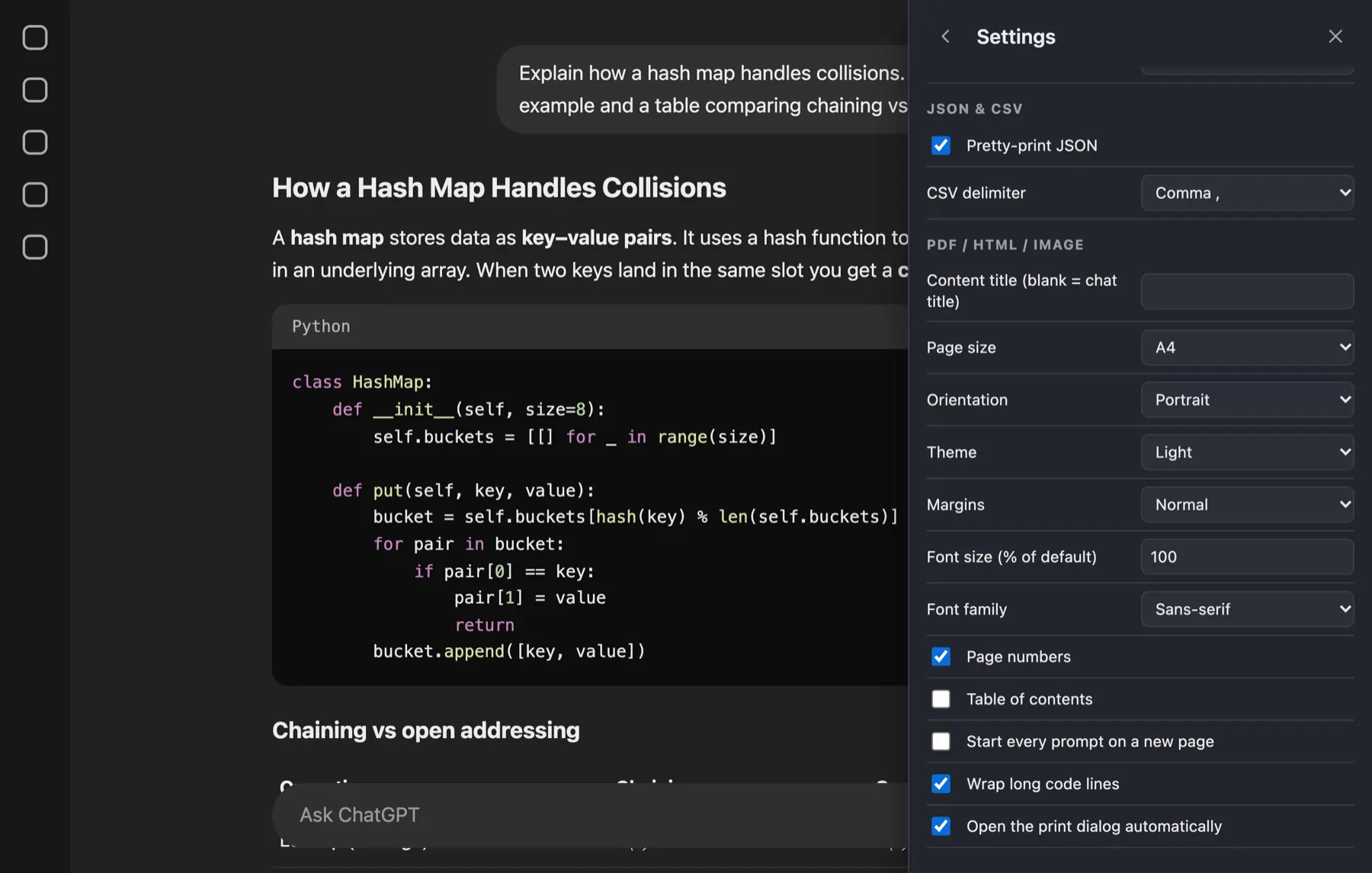
Pick PNG from the format list in the side panel or EXPORT menu.
Download the image
Save the PNG, or unzip the download if the chat was long enough to be split.
4. Why save a ChatGPT conversation as an image?
Sometimes you want to show a conversation rather than hand over a file: in a presentation, a bug report, a social post or a message to a friend. A PNG shows the exchange exactly as designed, and anyone can view it without opening an app or signing in.
Images are also handy for documentation and tutorials, where a visual of the prompt and answer explains more than a paragraph of description.
5. How ChatGPT to PNG export handles long chats
A very long conversation would make an unwieldy image, so it is split at message boundaries into several PNGs and bundled into one ZIP. That means no answer is ever sliced in half, and each picture stays a practical size for slides and posts.
Short exchanges download as a single PNG. To show only one question and answer, click SELECT first and tick just those messages.
6. PNG, PDF or something else?
An image is not text, so it cannot be searched, edited or copied from. If you need any of that, choose PDF, Word or Markdown instead. See the format comparison for a quick guide.
The image is created in your browser by the free ChatGPT Exporter Chrome extension, with no upload and no account needed on the Free plan, so private chats stay private.
7. Getting a clean image, step by step
The most common complaint about saving a chat as an image is that the result is cluttered or cut off. Most of that comes down to how you prepare the conversation before you export, not the export itself.
Trim to the part that matters
Open SELECT and tick only the exchange you want to show. A tight three-message image is far more useful in a slide than a thirty-message wall.
Check for anything private
Read the selected messages once for names, email addresses, client details or keys. An image cannot be redacted later without editing it.
Choose PNG and export
Pick PNG from the EXPORT menu. If the selection is long, you will get a ZIP of several images.
Look at the result before you use it
Open the first image at full size and check that code and tables are readable at the size you will display them.
8. Where a PNG works best
- Slides and talks. A conversation as an image lets an audience read the prompt and the answer without you switching windows.
- Bug reports and support tickets. Showing exactly what the model said, in order, saves a round of "can you send me the prompt".
- Social posts and group chats. An image is the one format every platform accepts without conversion.
- Documentation screenshots. For a how-to article, an exported image is cleaner than a window screenshot, because there is no sidebar, tab bar or notification in the way.
9. Why not just take a screenshot?
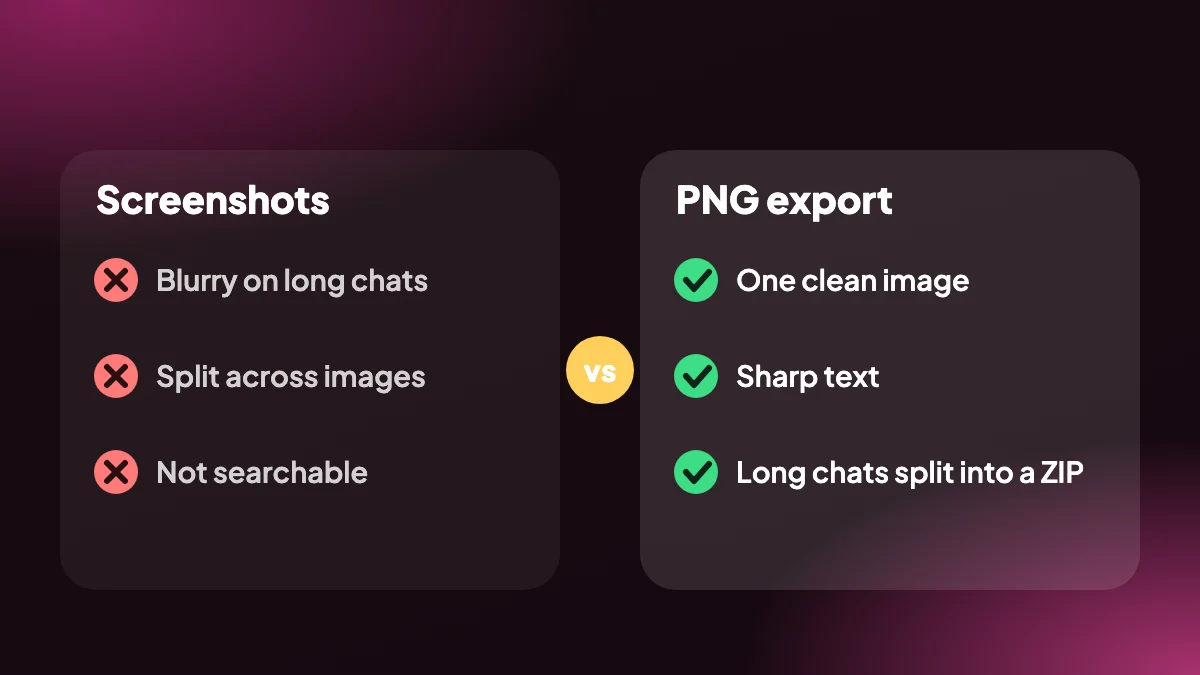
You can, and for a single short answer a screenshot is perfectly good. It stops working the moment the conversation scrolls. You end up taking five screenshots, lining them up, and hoping the cut between two of them does not land in the middle of a sentence.
An export handles that for you. It captures the conversation as a whole, splits long chats between messages rather than through them, and leaves out the interface around the chat. The result looks like one continuous document, which is what you wanted in the first place.
10. Making the image easier to use
If you are putting the image into a presentation, size it to fill the slide width rather than shrinking it to fit the height. Readers get more from a wider crop of text at a larger size than a narrow strip of tiny type.
If you are posting it online, add the text of the key sentence in the post itself. Images cannot be searched or read aloud, so a short caption helps anyone using a screen reader and makes the post findable. When someone needs the full text, send a PDF alongside.
Frequently asked questions
How do I save a ChatGPT conversation as an image?
Open the chat on chatgpt.com and choose PNG from the EXPORT menu or the SELECT panel. The image downloads to your computer.
Why did I get a ZIP instead of one image?
Long conversations are split into several PNGs at message boundaries and bundled in a ZIP so each image stays a practical size.
Is an image searchable?
No, an image is not text. Use Markdown, PDF or Word if you need to search or edit the content.
Can I show only one exchange?
Yes. Select just those messages before exporting.
Is the whole chat captured, not only what is on screen?
Yes. The export covers the full conversation or your selection, not just the visible part of the page.
Can I use the PNG in a presentation?
Yes. PNG images drop straight into slides, documents and posts.
Is the image uploaded anywhere?
No. It is rendered in your browser and saved locally.
What if I need text instead?
Choose PDF, Word or Markdown. They keep the text selectable and searchable.
How do I save only part of a ChatGPT chat as an image?
Open SELECT, tick the messages you want, and export as PNG. Only the selected messages appear in the image.
Can I get the text back out of a PNG?
Not reliably. An image is a picture of the text. If you may need the words again, export Markdown or PDF too.
Is a ChatGPT image export better than a screenshot?
For short answers they are about equal. For anything that scrolls, an export is cleaner because it captures the full conversation and splits between messages.